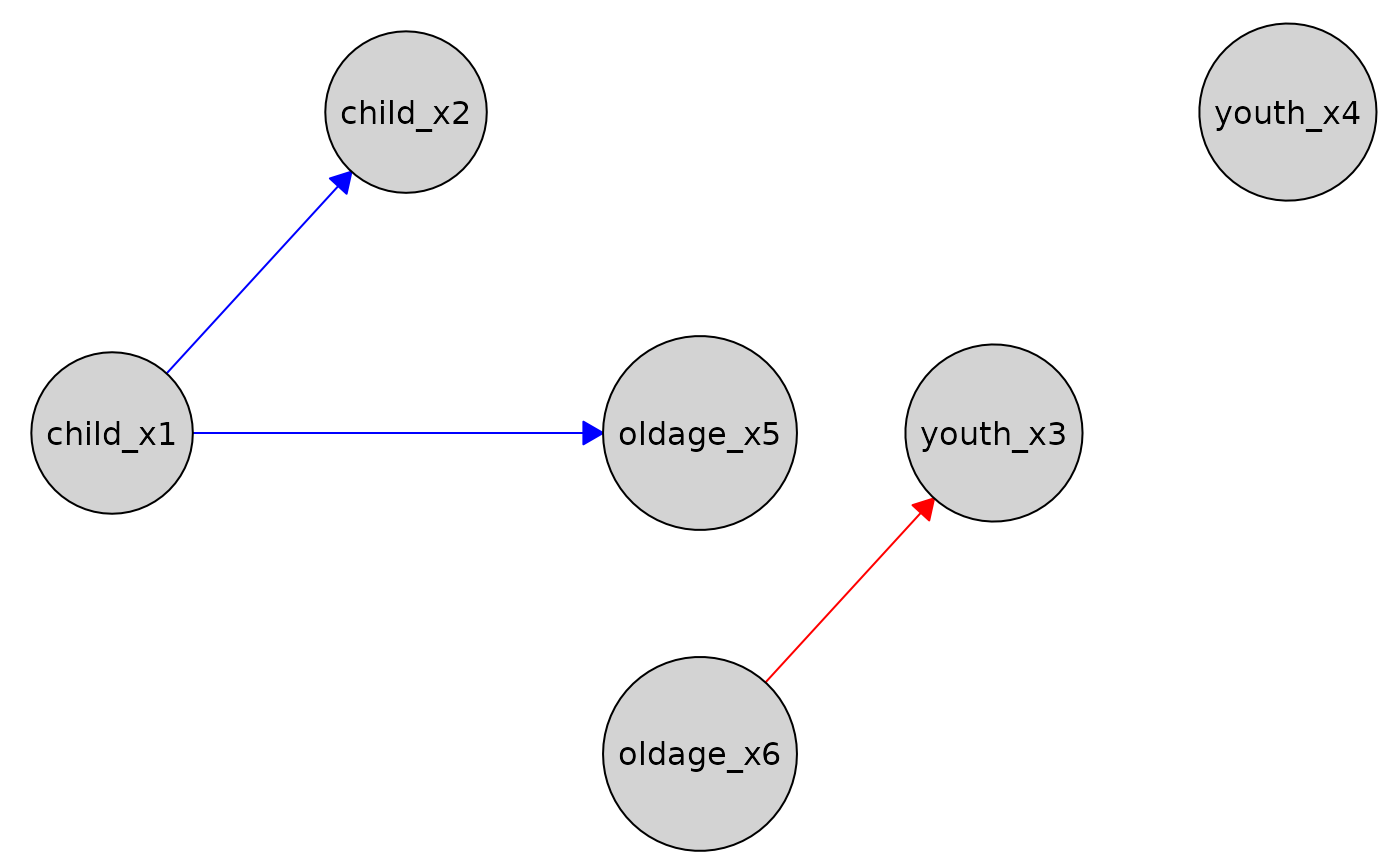
Visualize a Knowledge object as a directed graph using caugi::plot().
Usage
# S3 method for class 'Knowledge'
plot(x, required_col = "blue", forbidden_col = "red", ...)
Arguments
- x
A
Knowledgeobject, created usingknowledge().- required_col
Character(1). Color for edges marked as "required". Default
"blue".- forbidden_col
Character(1). Color for edges marked as "forbidden". Default
"red".- ...
Additional arguments passed to
caugi::plot(), e.g.,node_style,edge_style.
Value
Invisibly returns the caugi::caugi object used for plotting. The main effect is the plot.
Details
Required edges are drawn in blue by default (can be changed via
required_col).Forbidden edges are drawn in red by default (can be changed via
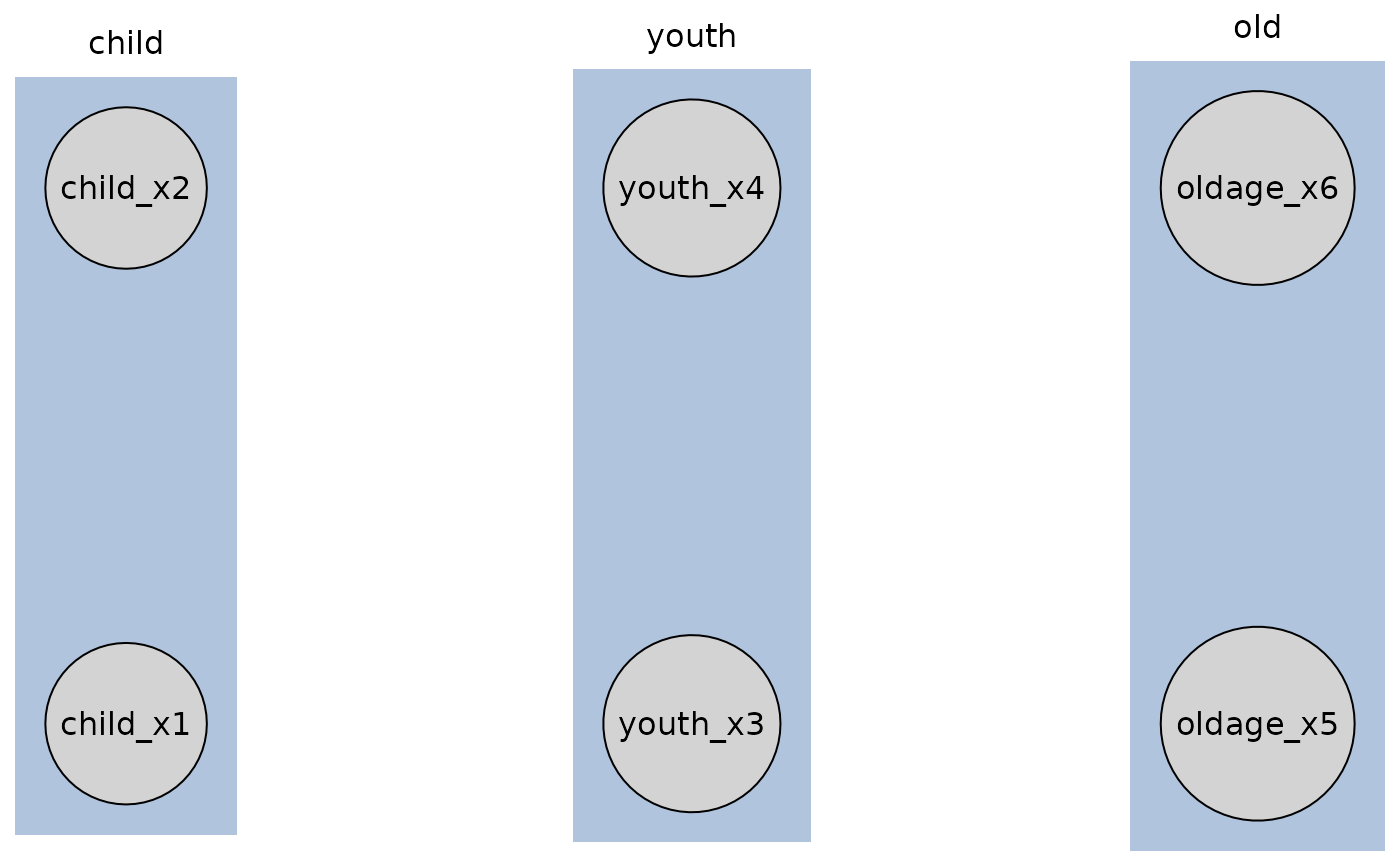
forbidden_col). If A to B and B to A is forbidden, an edge<->is drawn.If tiered knowledge is provided, nodes are arranged according to their tiers.
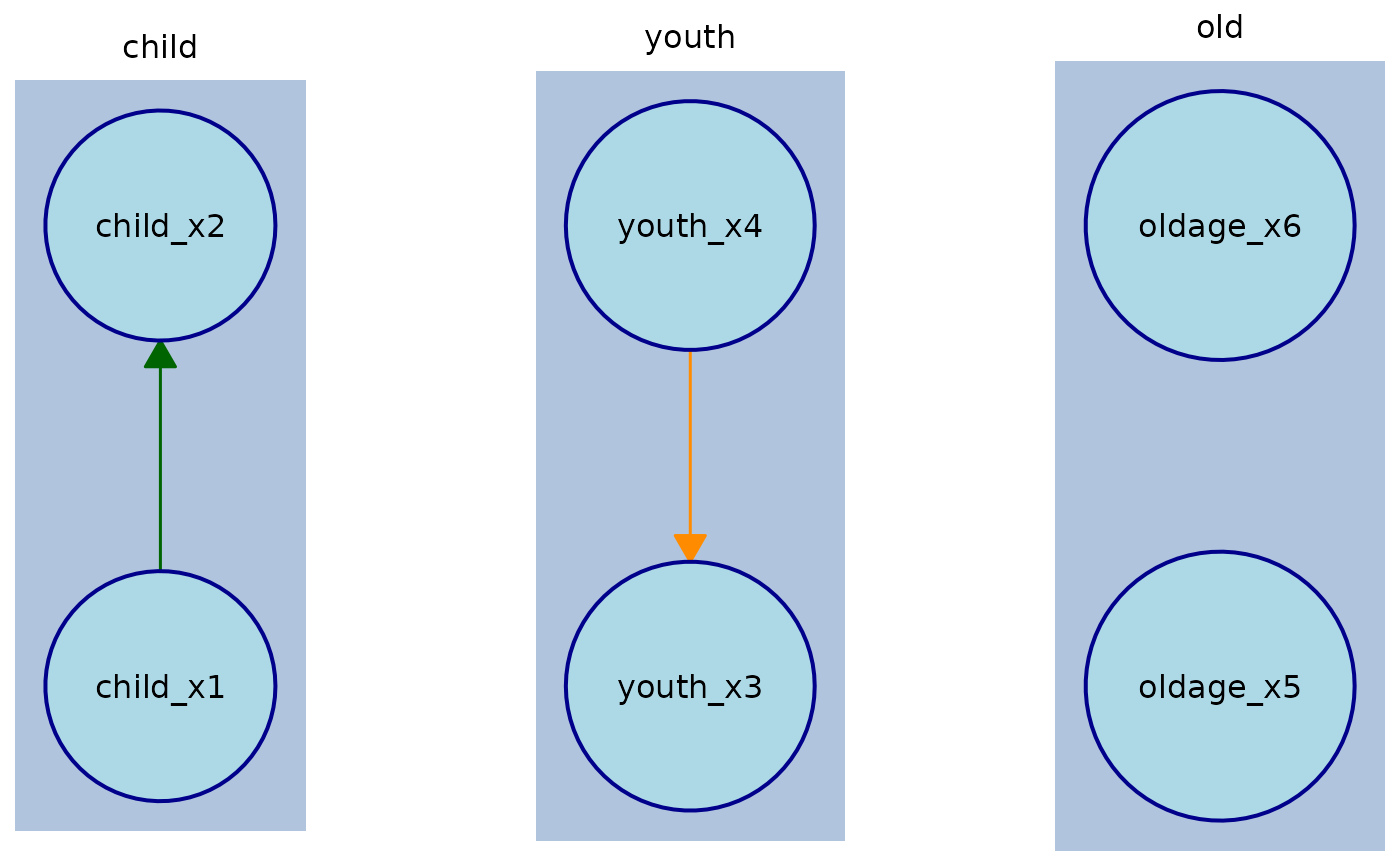
Users can override other edge styling (e.g., line width, arrow size) via the
edge_styleargument. To override the color of a specific edge, useedge_style$by_edge[[from]][[to]]$col.Nodes are arranged by tiers if tier information is provided in the
Knowledgeobject.If some nodes are missing tier assignments, a warning is issued and the plot falls back to untiered plotting.
The function automatically handles edges marked as "required" or "forbidden" in the
Knowledgeobject.Other edge styling (line width, arrow size, etc.) can be supplied via
edge_style. The only way to override edge colors for specific edges is to specify them directly inedge_style$by_edge[[from]][[to]]$col.
See also
Other plot:
plot,
plot.Disco()
Examples
data(tpc_example)
# Define a `Knowledge` object with tiers
kn_tiered <- knowledge(
tpc_example,
tier(
child ~ starts_with("child"),
youth ~ starts_with("youth"),
old ~ starts_with("old")
)
)
# Simple plot (default column orientation)
plot(kn_tiered)
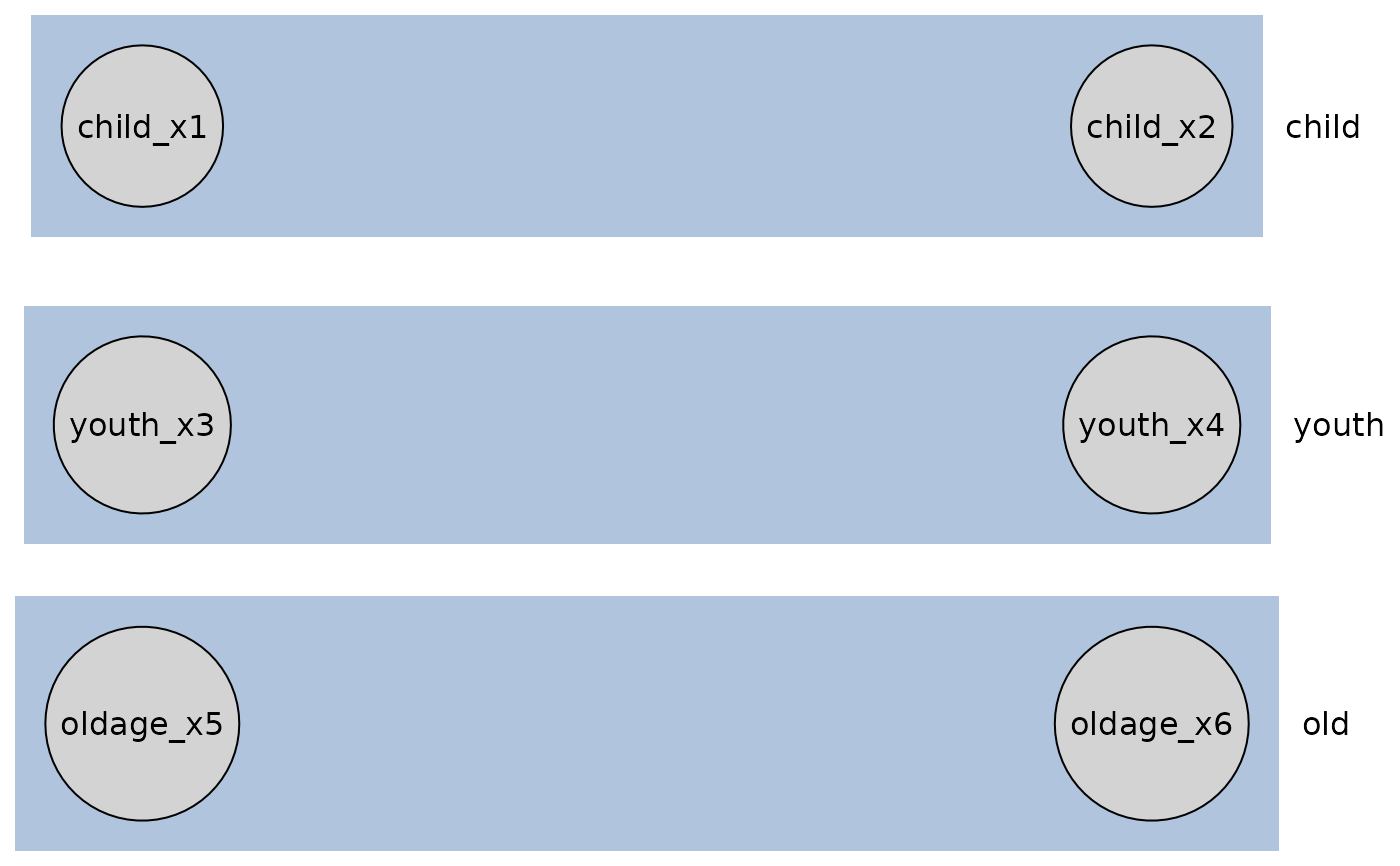
 # Plot with row orientation
plot(kn_tiered, orientation = "rows")
# Plot with row orientation
plot(kn_tiered, orientation = "rows")
 # Plot with custom node styling, edge width/arrow size and edge colors
kn <- knowledge(
tpc_example,
tier(
child ~ starts_with("child"),
youth ~ starts_with("youth"),
old ~ starts_with("old")
),
child_x1 %-->% child_x2, # required edge
youth_x4 %!-->% youth_x3 # forbidden edge
)
plot(
kn,
node_style = list(
fill = "lightblue", # Fill color
col = "darkblue", # Border color
lwd = 2, # Border width
padding = 4, # Text padding (mm)
size = 1.2 # Size multiplier
),
edge_style = list(
lwd = 1.5, # Edge width
arrow_size = 4 # Arrow size (mm)
),
required_col = "darkgreen",
forbidden_col = "darkorange"
)
# Plot with custom node styling, edge width/arrow size and edge colors
kn <- knowledge(
tpc_example,
tier(
child ~ starts_with("child"),
youth ~ starts_with("youth"),
old ~ starts_with("old")
),
child_x1 %-->% child_x2, # required edge
youth_x4 %!-->% youth_x3 # forbidden edge
)
plot(
kn,
node_style = list(
fill = "lightblue", # Fill color
col = "darkblue", # Border color
lwd = 2, # Border width
padding = 4, # Text padding (mm)
size = 1.2 # Size multiplier
),
edge_style = list(
lwd = 1.5, # Edge width
arrow_size = 4 # Arrow size (mm)
),
required_col = "darkgreen",
forbidden_col = "darkorange"
)
 # To override a specific edge style which is required/forbidden
# you need to target that individual node:
kn <- knowledge(
tpc_example,
tier(
child ~ starts_with("child"),
youth ~ starts_with("youth"),
old ~ starts_with("old")
),
child_x1 %-->% child_x2 + youth_x4, # required edges
youth_x4 %!-->% youth_x3 + oldage_x5 # forbidden edges
)
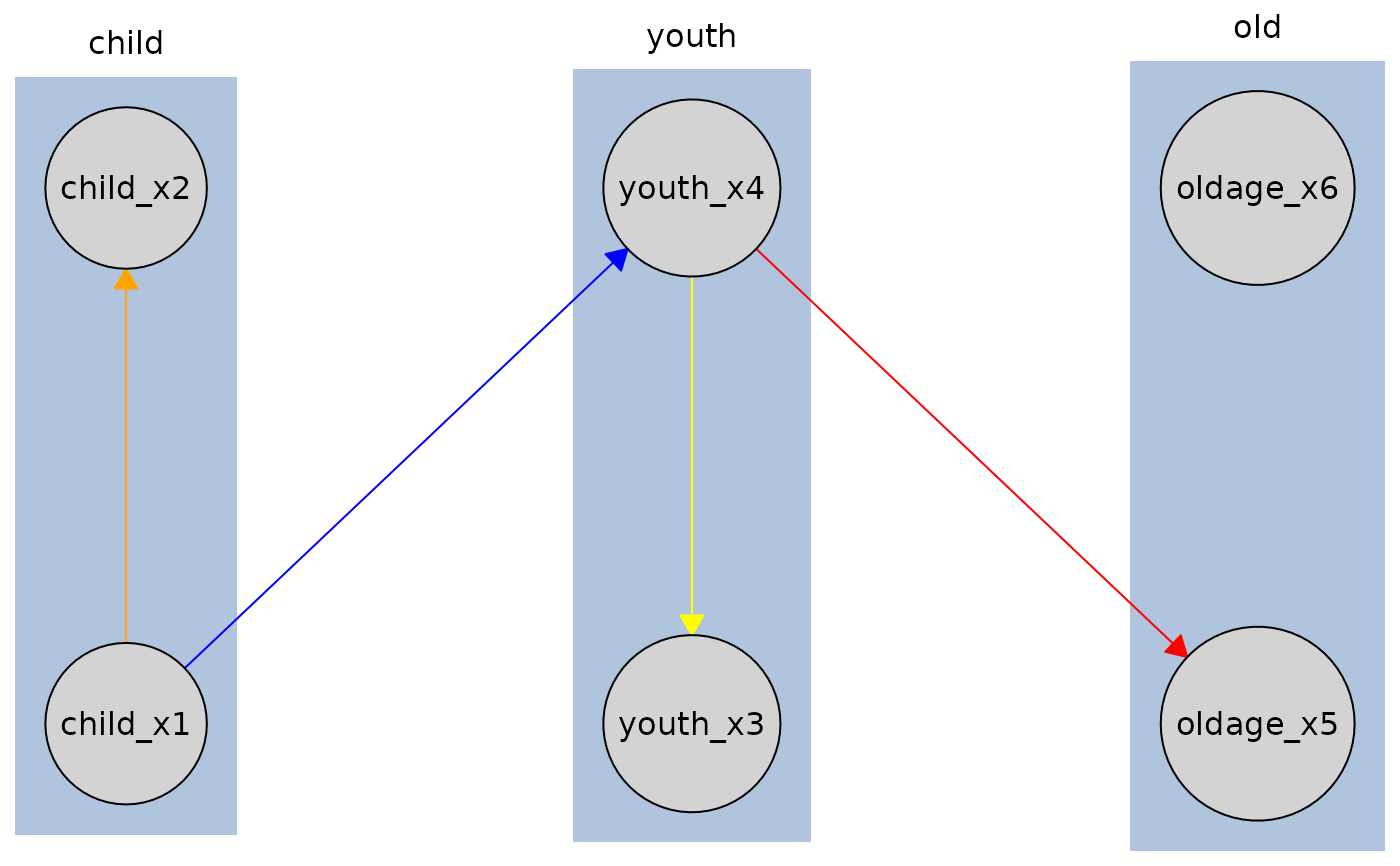
# Edge from child_x1 to child_x2 will be orange, but edge from child_x1 to youth_x4
# will be required_col (blue) since we only override the child_x1 to child_x2 edge.
# Similarly, edge from youth_x4 to youth_x3 will be yellow, but edge from youth_x4
# to oldage_x5 will be forbidden_col (red).
plot(
kn,
edge_style = list(
by_edge = list(
child_x1 = list(
child_x2 = list(col = "orange", fill = "orange")
),
youth_x4 = list(
youth_x3 = list(col = "yellow", fill = "yellow")
)
)
),
required_col = "blue",
forbidden_col = "red"
)
# To override a specific edge style which is required/forbidden
# you need to target that individual node:
kn <- knowledge(
tpc_example,
tier(
child ~ starts_with("child"),
youth ~ starts_with("youth"),
old ~ starts_with("old")
),
child_x1 %-->% child_x2 + youth_x4, # required edges
youth_x4 %!-->% youth_x3 + oldage_x5 # forbidden edges
)
# Edge from child_x1 to child_x2 will be orange, but edge from child_x1 to youth_x4
# will be required_col (blue) since we only override the child_x1 to child_x2 edge.
# Similarly, edge from youth_x4 to youth_x3 will be yellow, but edge from youth_x4
# to oldage_x5 will be forbidden_col (red).
plot(
kn,
edge_style = list(
by_edge = list(
child_x1 = list(
child_x2 = list(col = "orange", fill = "orange")
),
youth_x4 = list(
youth_x3 = list(col = "yellow", fill = "yellow")
)
)
),
required_col = "blue",
forbidden_col = "red"
)
 # Define a `Knowledge` object without tiers
kn_untiered <- knowledge(
tpc_example,
child_x1 %-->% child_x2 + youth_x3,
youth_x4 %!-->% oldage_x5
)
# Plot with default layout
plot(kn_untiered)
# Define a `Knowledge` object without tiers
kn_untiered <- knowledge(
tpc_example,
child_x1 %-->% child_x2 + youth_x3,
youth_x4 %!-->% oldage_x5
)
# Plot with default layout
plot(kn_untiered)
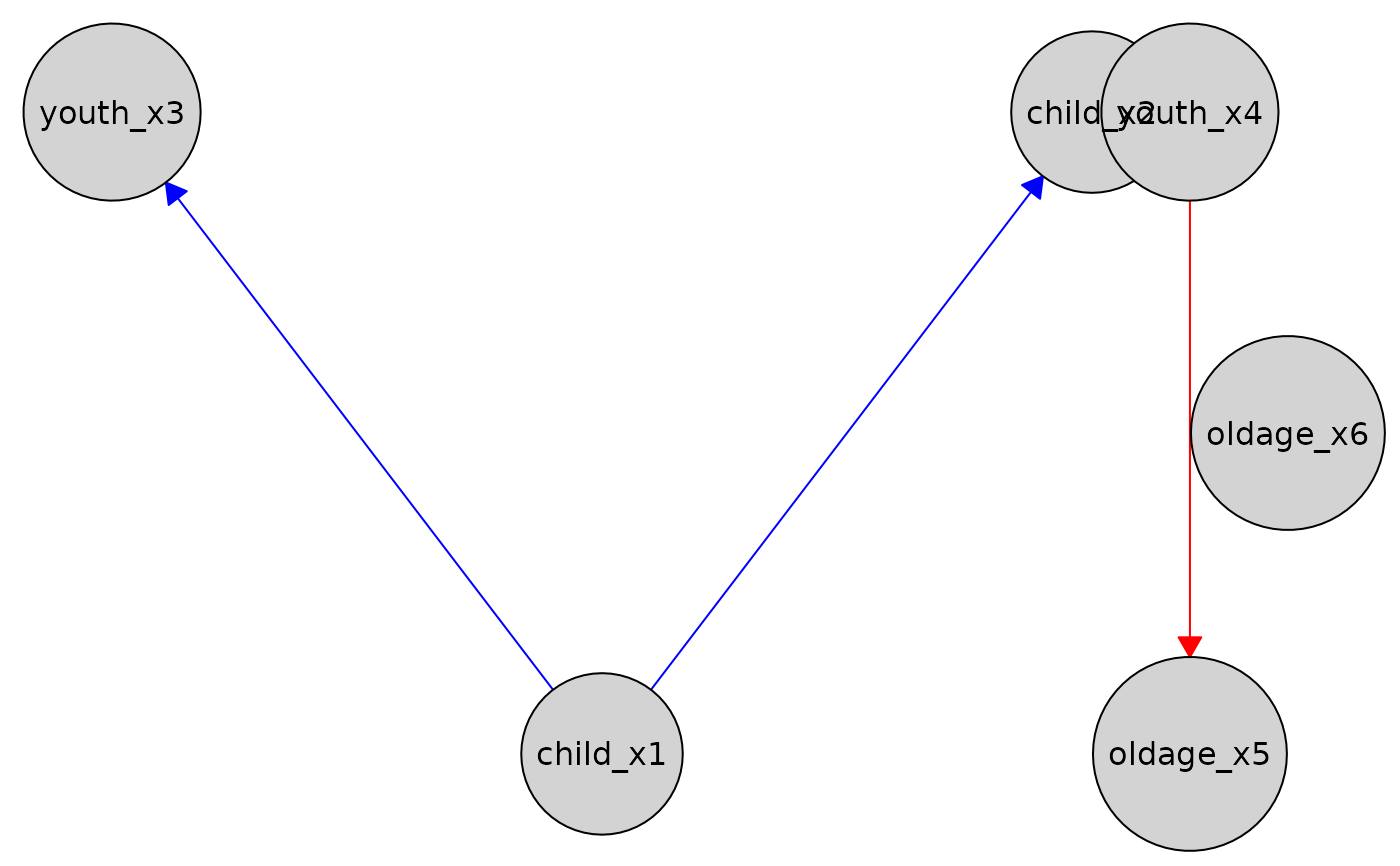 # With a custom defined layout
custom_layout <- data.frame(
name = c("child_x1", "child_x2", "youth_x3", "youth_x4", "oldage_x5", "oldage_x6"),
x = c(0, 1, 2, 2, 3, 4),
y = c(0, 1, 0, -1, 0, 1)
)
plot(kn_untiered, layout = custom_layout)
# With a custom defined layout
custom_layout <- data.frame(
name = c("child_x1", "child_x2", "youth_x3", "youth_x4", "oldage_x5", "oldage_x6"),
x = c(0, 1, 2, 2, 3, 4),
y = c(0, 1, 0, -1, 0, 1)
)
plot(kn_untiered, layout = custom_layout)